Editing Takes Too Long
Spend hours cutting clips, adjusting captions, and arranging animations for one video.
Record It. Approve It. Post It. Claude Does the Editing.
Turn your raw phone recordings into professionally edited Instagram Reels using Claude Code.
Get a beginner-friendly step-by-step guide and a ready-made editing engine that handles cuts, captions, graphics, animations, and sound effects without learning traditional editing software or writing code.
On the phone: one of the creator's own Reels, edited with Claude Code.
Recording a Reel takes just a few minutes. But editing it can take hours.
You have to cut unnecessary pauses, remove mistakes, type captions, add animations, find graphics, adjust timing, and make everything look professional.
And when the editing is finally done, you may already have lost the motivation to post.
Spend hours cutting clips, adjusting captions, and arranging animations for one video.
Every new video and revision can mean additional costs and waiting time.
Many automated tools produce repetitive designs that lack your personal brand identity.
Mixed-language content like Tamil, Tanglish, Hindi, and Hinglish can be difficult to caption accurately.
Meet Edit Instagram Reels with Claude Code.
A complete beginner-friendly guide and ready-made Reel Studio editing system that transforms Claude Code into your personal Reel editing assistant.
Instead of building an editing workflow from scratch, you get the guide and starter pack required to get started.
Raw Tanglish recordings, turned into finished Reels with motion graphics, word-timed captions and sound effects. Tap any Reel to watch it with sound.
Swipe to see more →
These are the creator's own Reels, edited with Claude Code in custom looks the creator built. These looks are not part of the starter pack, which comes with the 12 ready styles shown further down.
Set up once in about 45 minutes. After that, every Reel is three steps and two approvals.
Record your talking-head video using your smartphone.
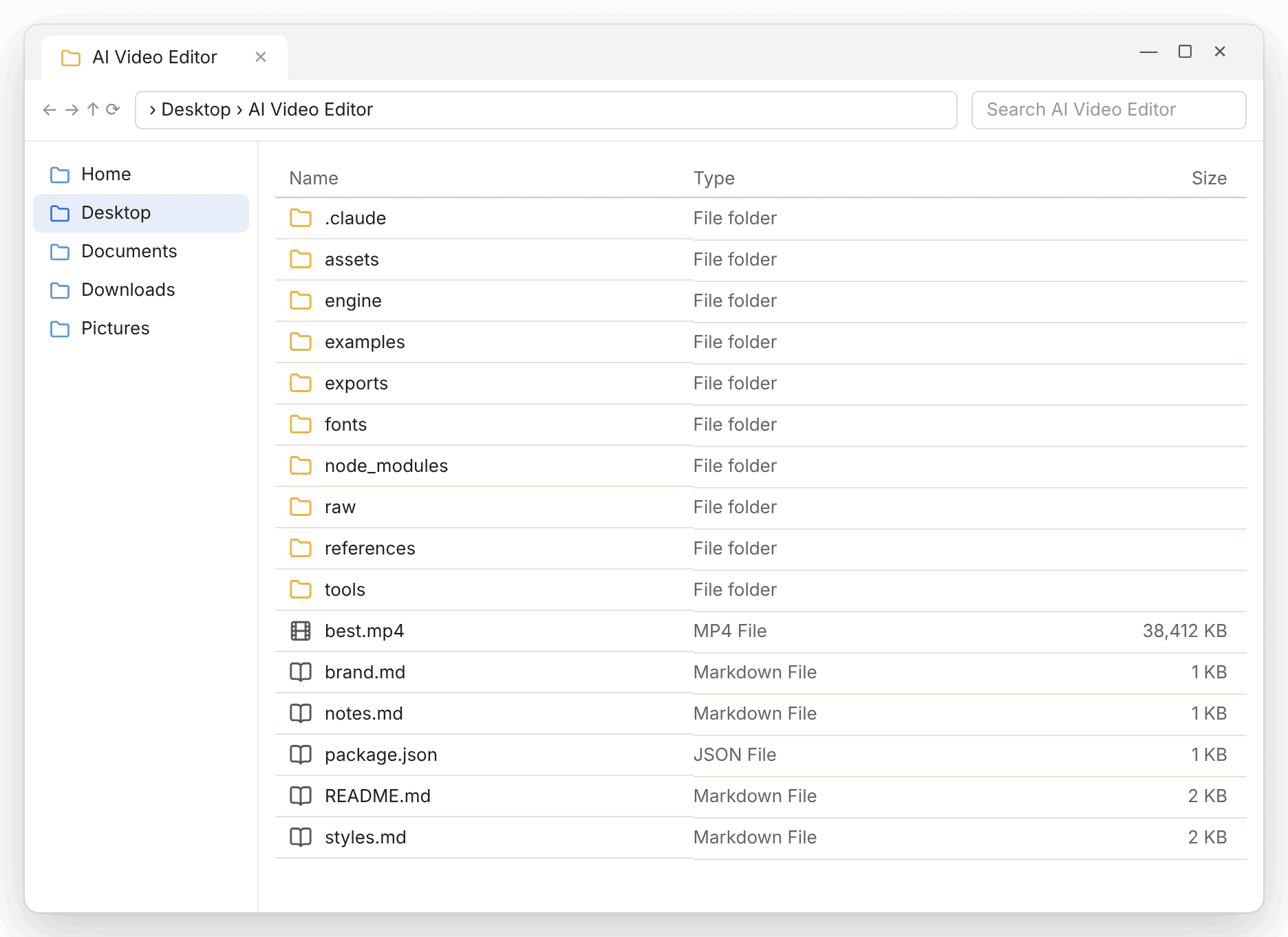
Place your video inside the designated project folder on your computer.
Type edit this video in Claude Code.
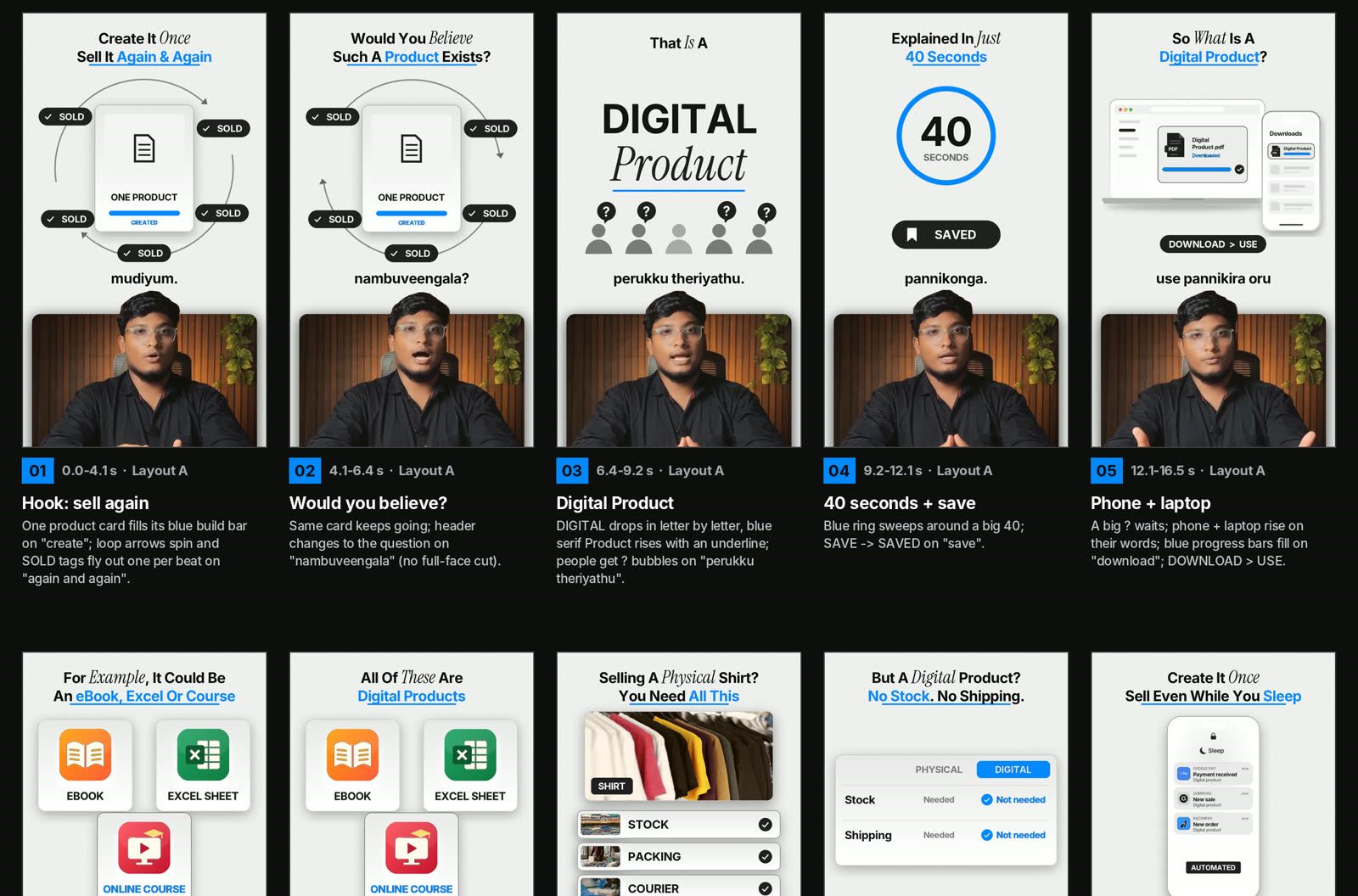
Claude prepares the cut list and visual storyboard. Review the proposed edits and approve them before rendering.
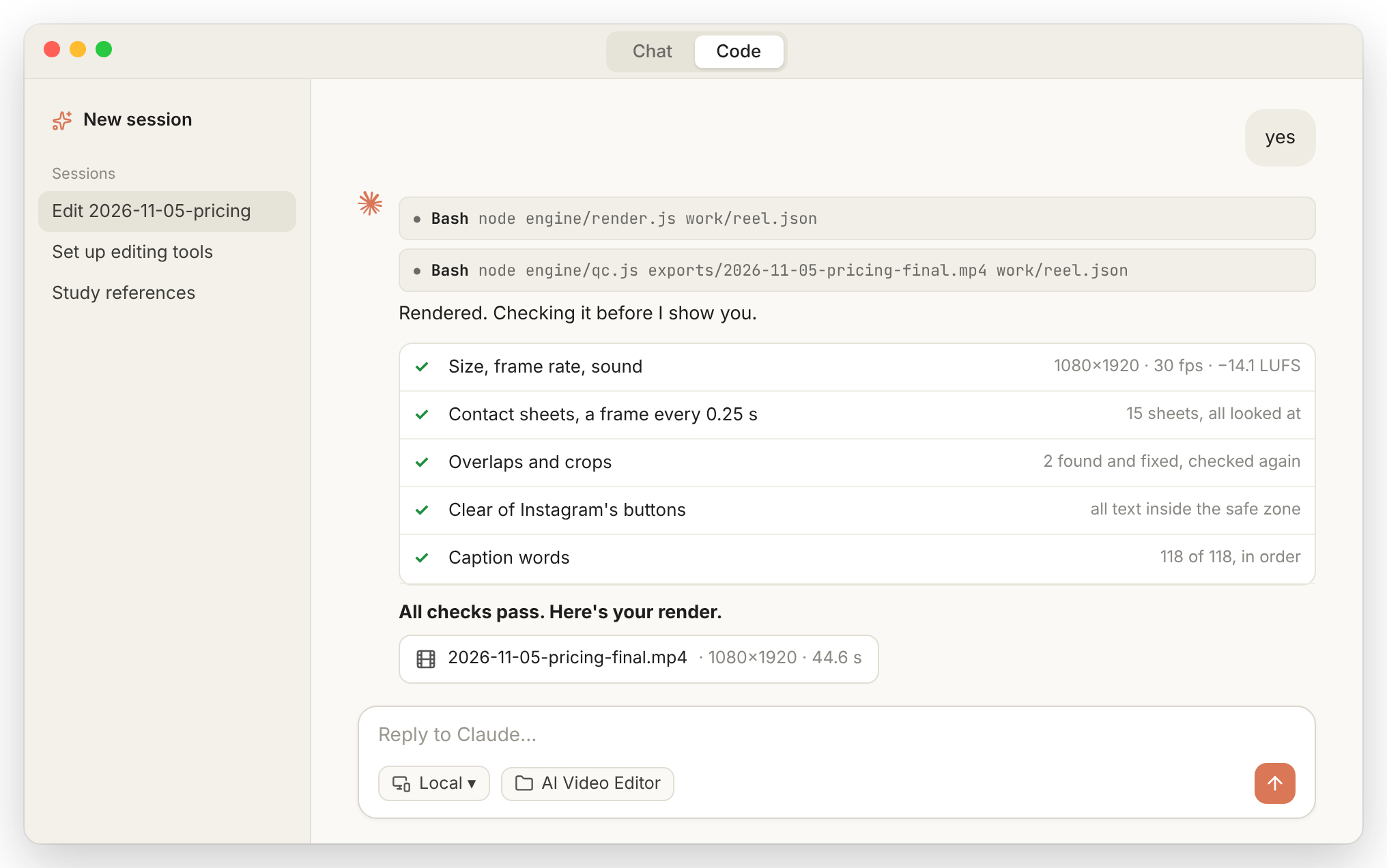
Claude renders the video, checks its quality, and saves the final Reel inside your exports folder.
Your video is ready to post on Instagram.
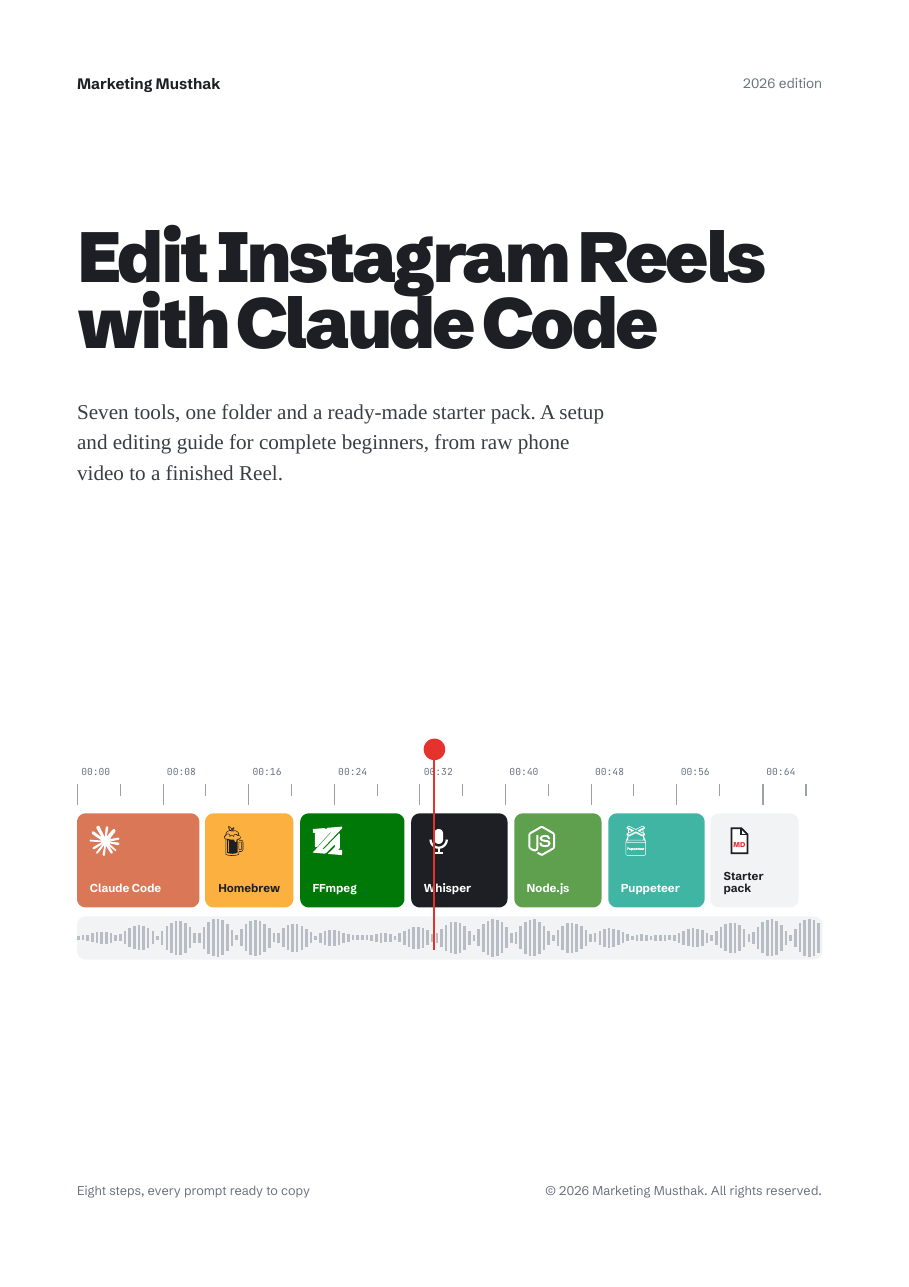
Two files. One teaches the workflow, the other does the editing.
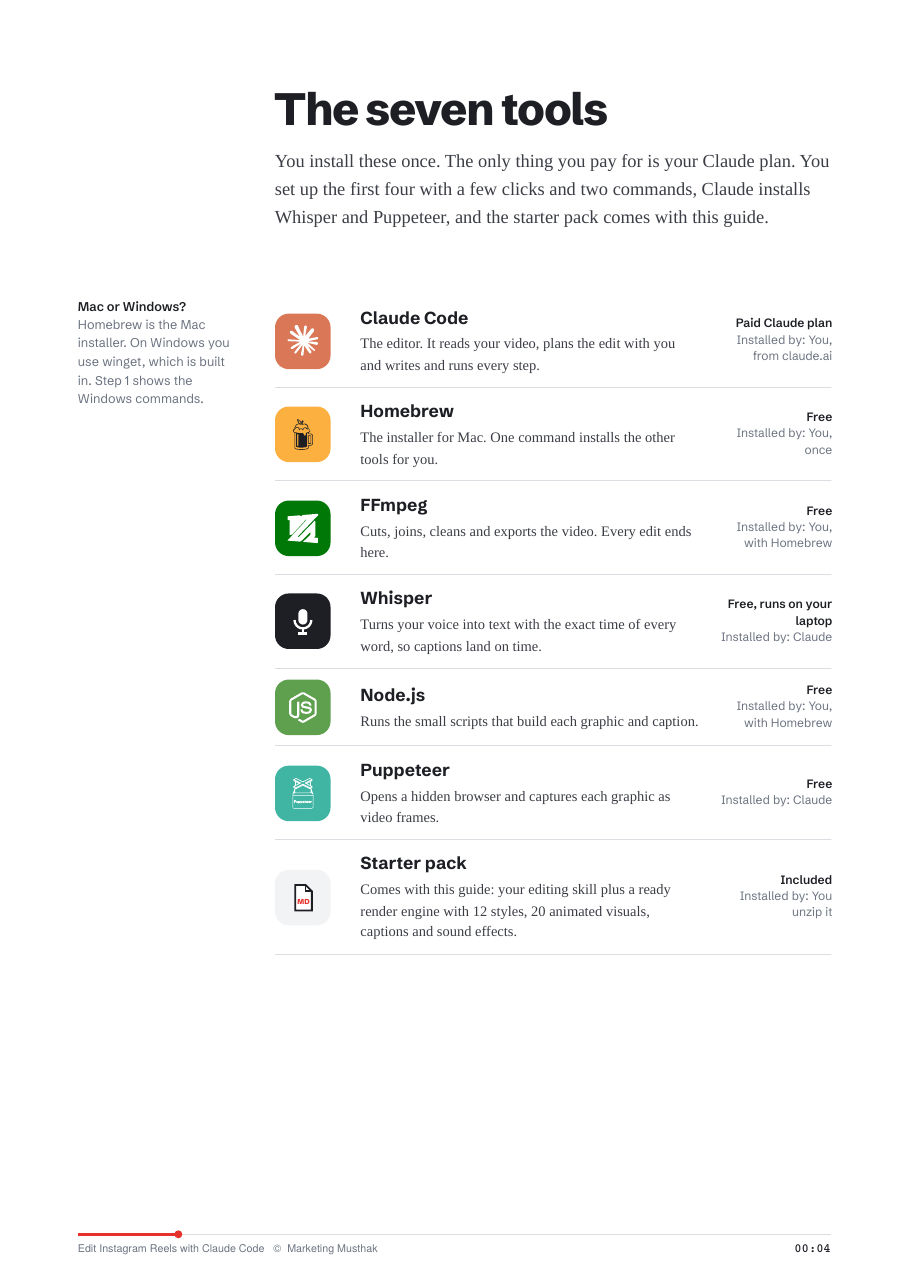
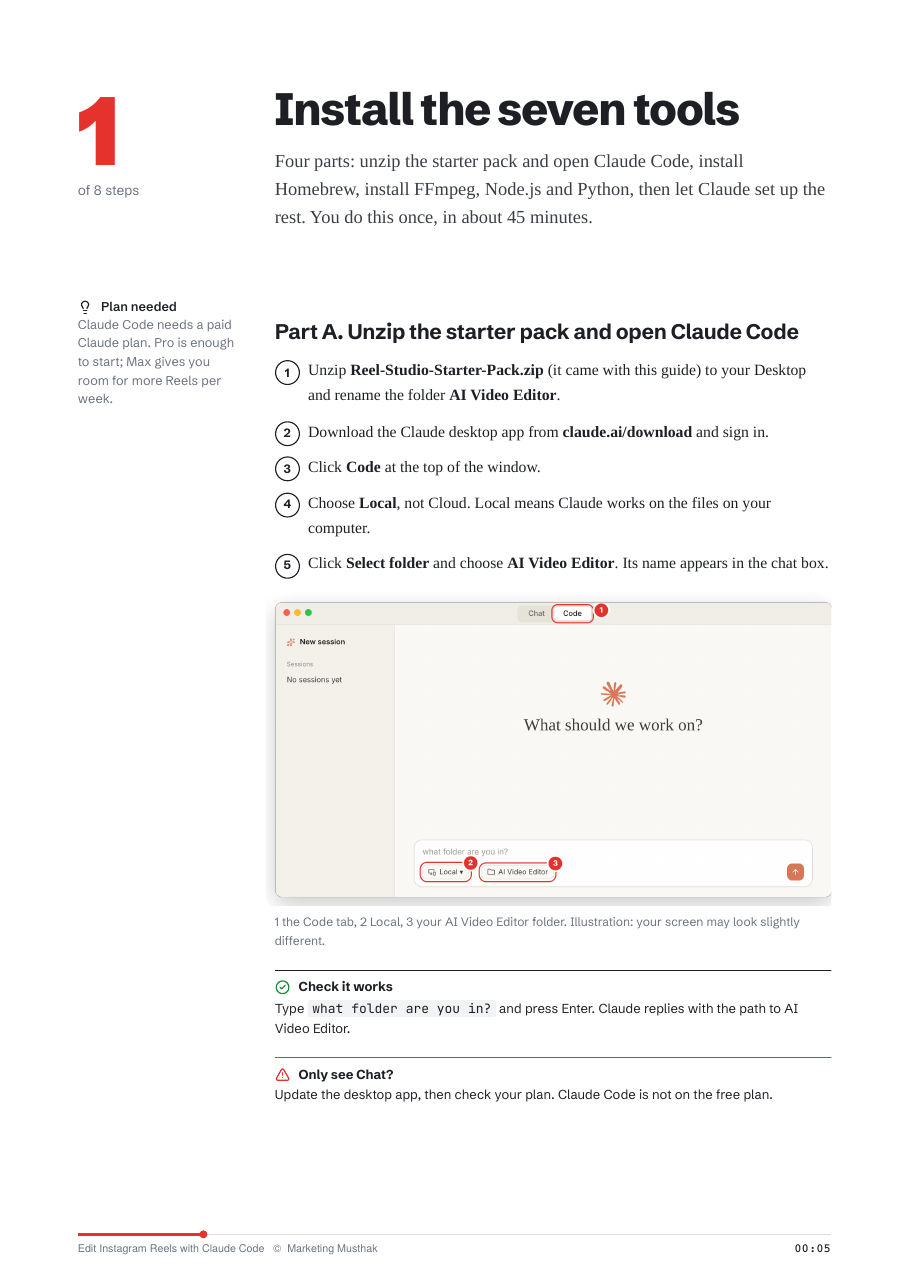
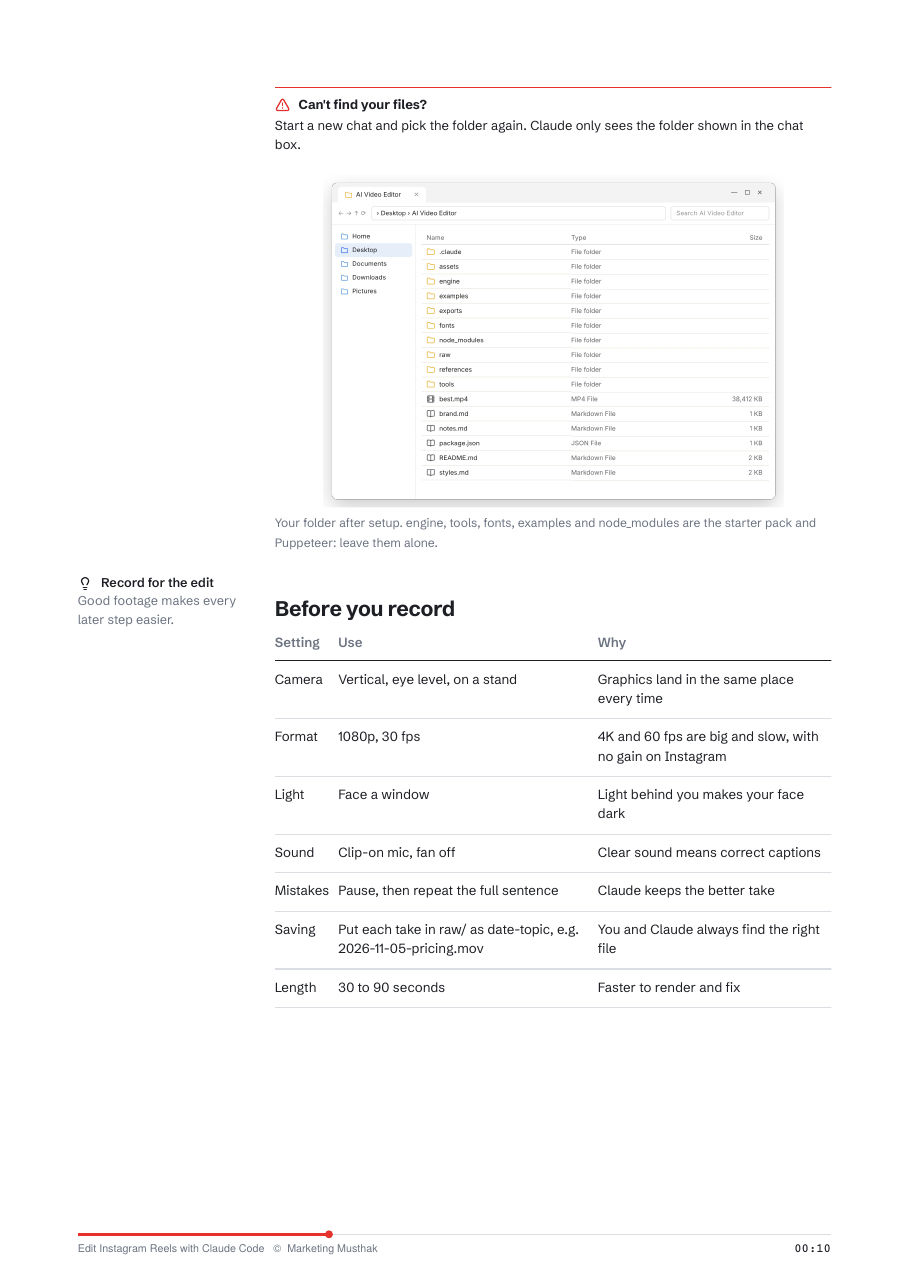
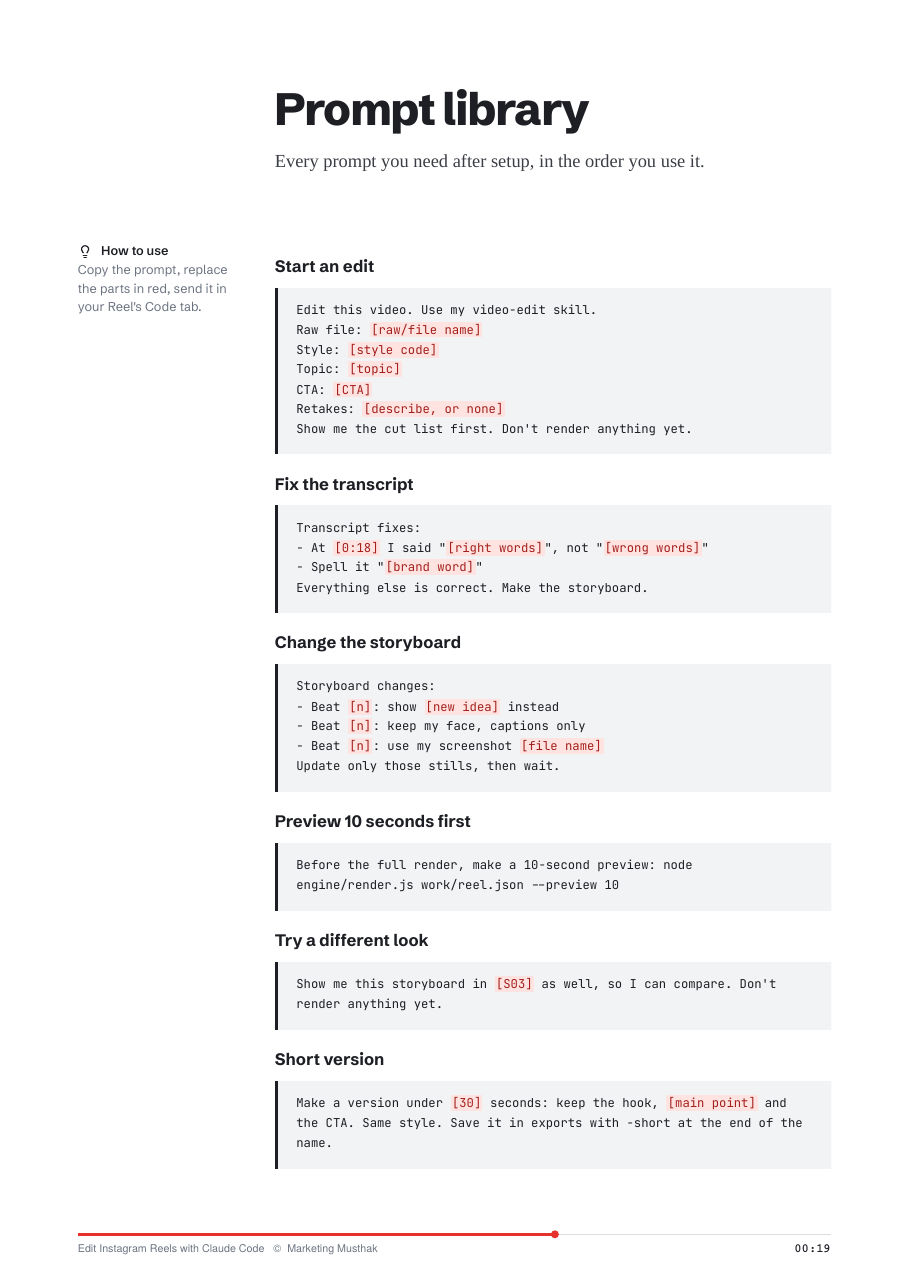
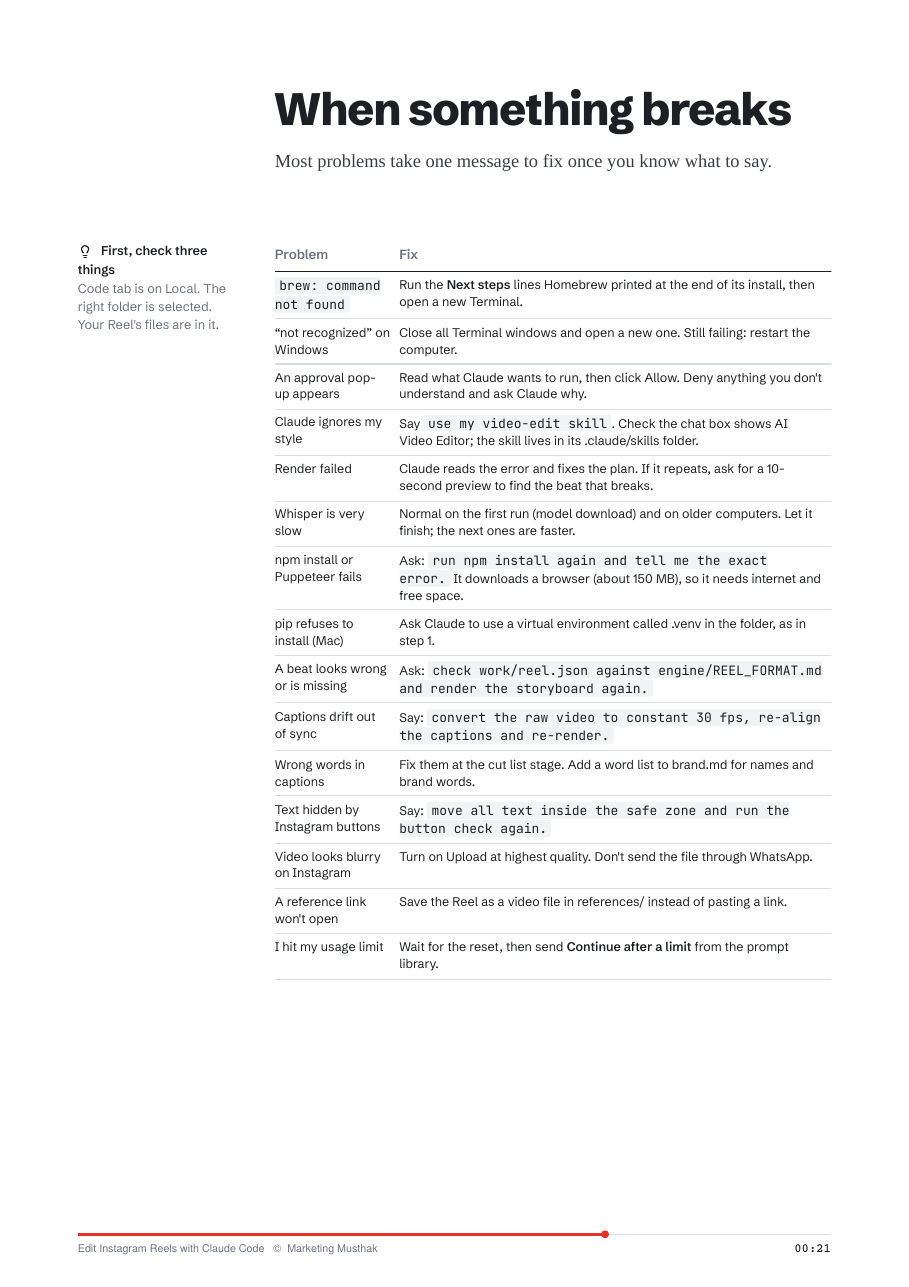
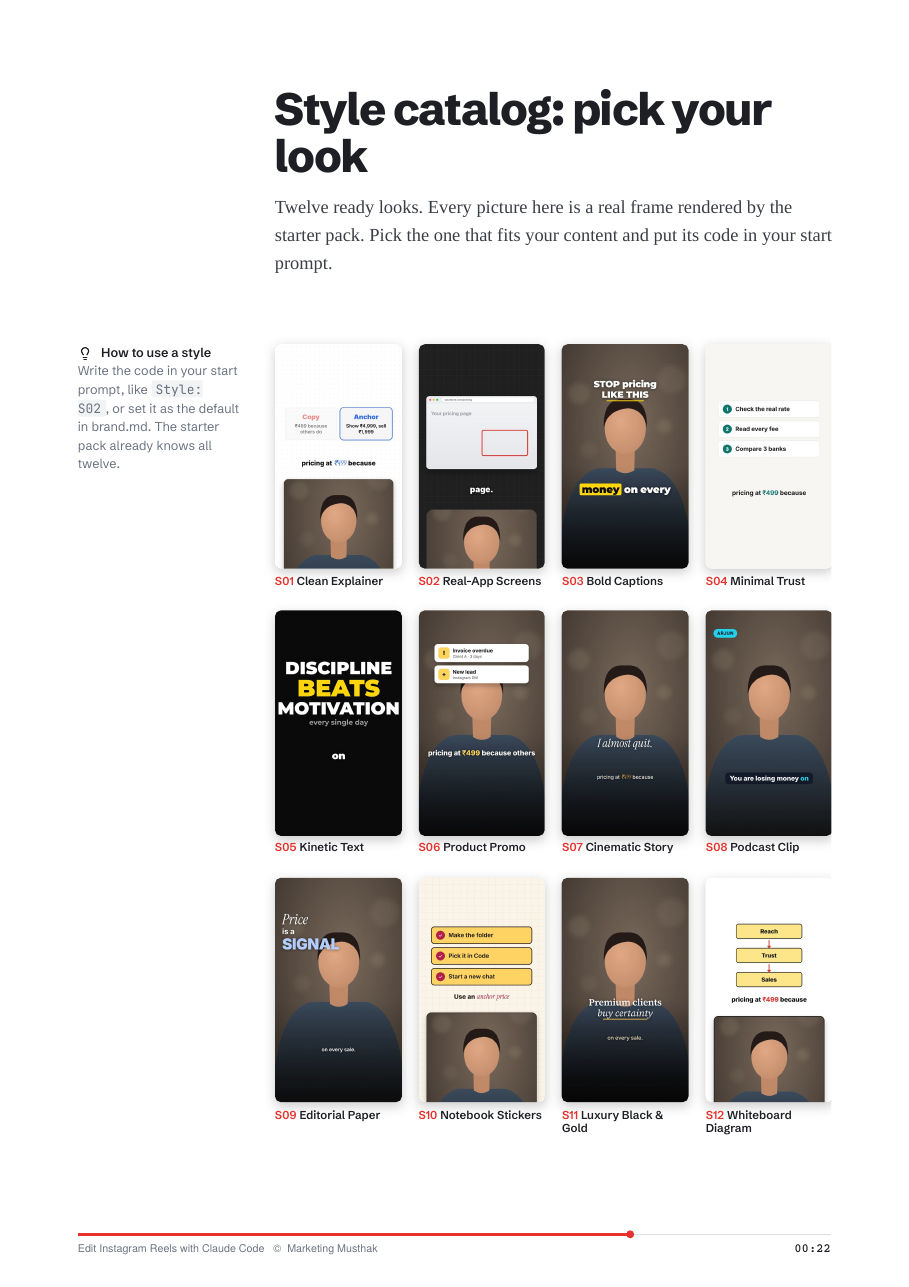
Real pages from the guide. Tap any page to enlarge.
Choose from 12 different editing styles, ranging from clean minimal explainers to bold creator visuals and whiteboard diagrams. Each style is identified by a simple code.
Storyboard frames rendered by the starter pack from the creator's own recording.
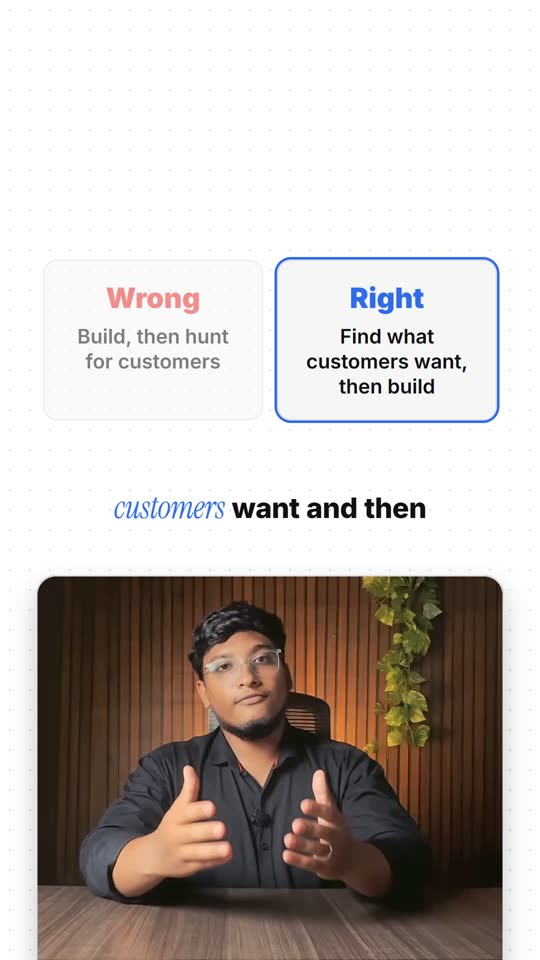
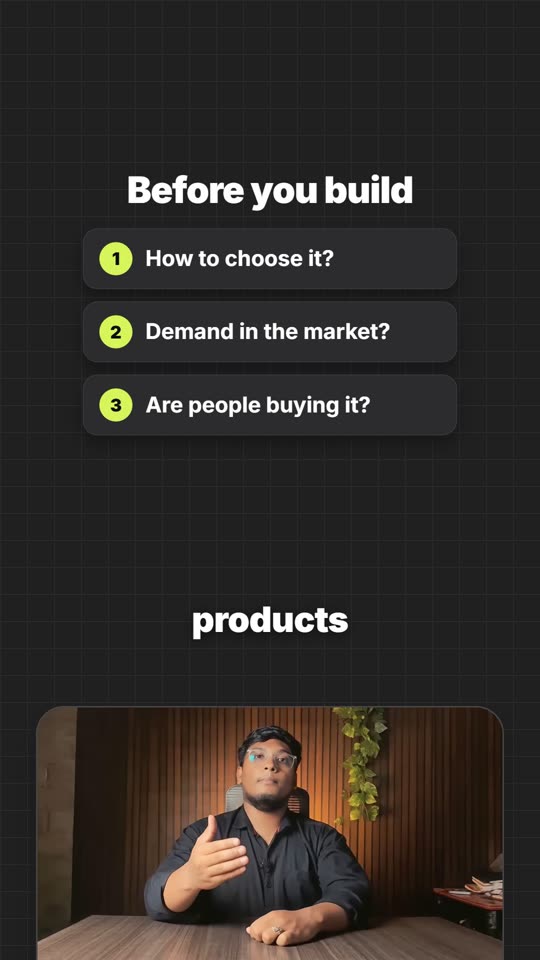

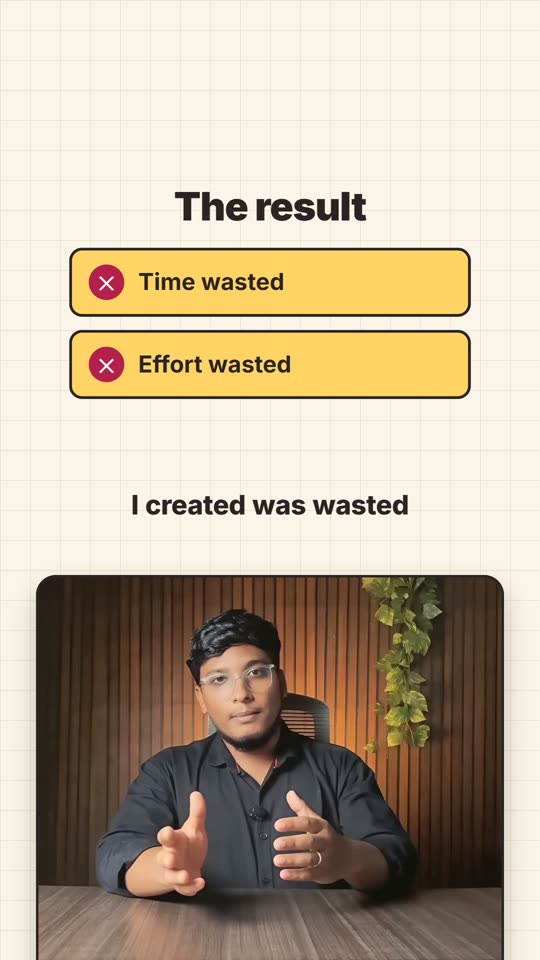
All 12 included styles
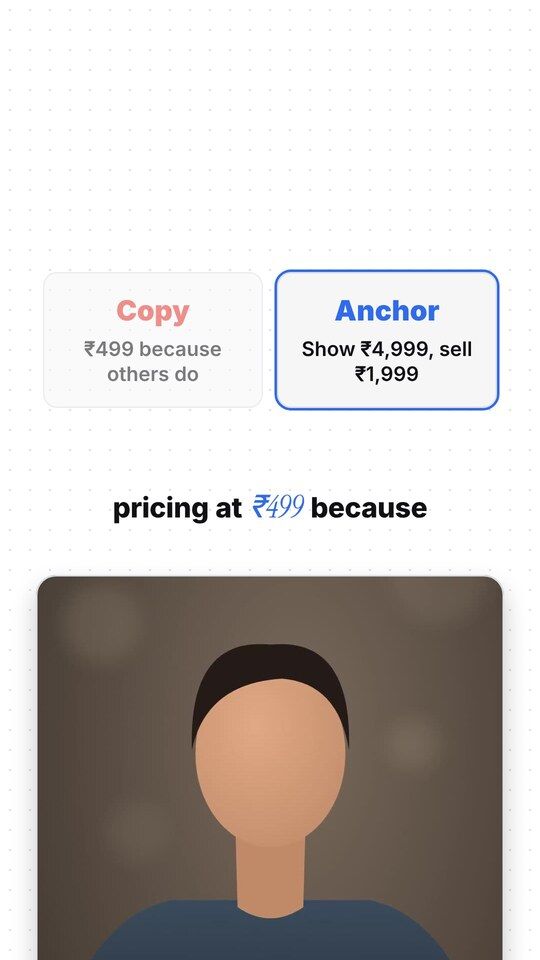
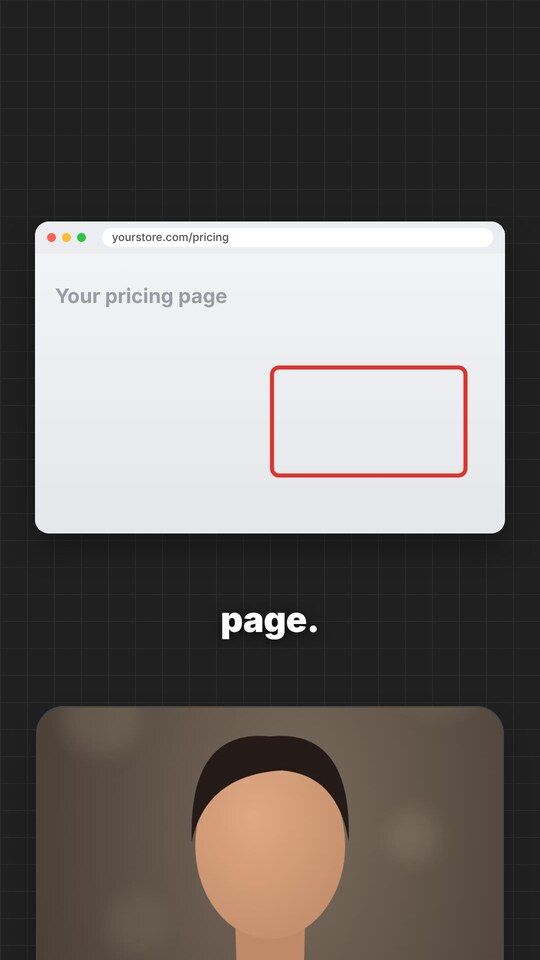
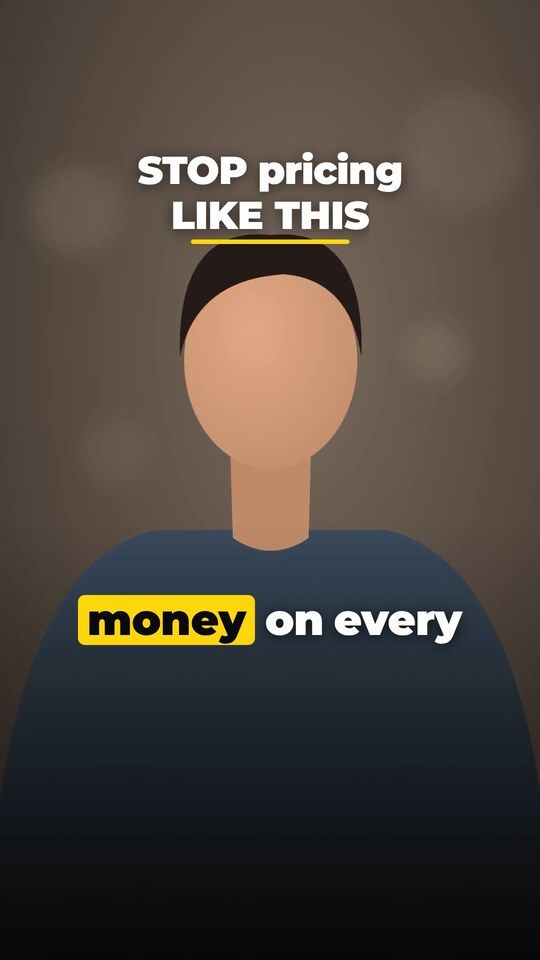
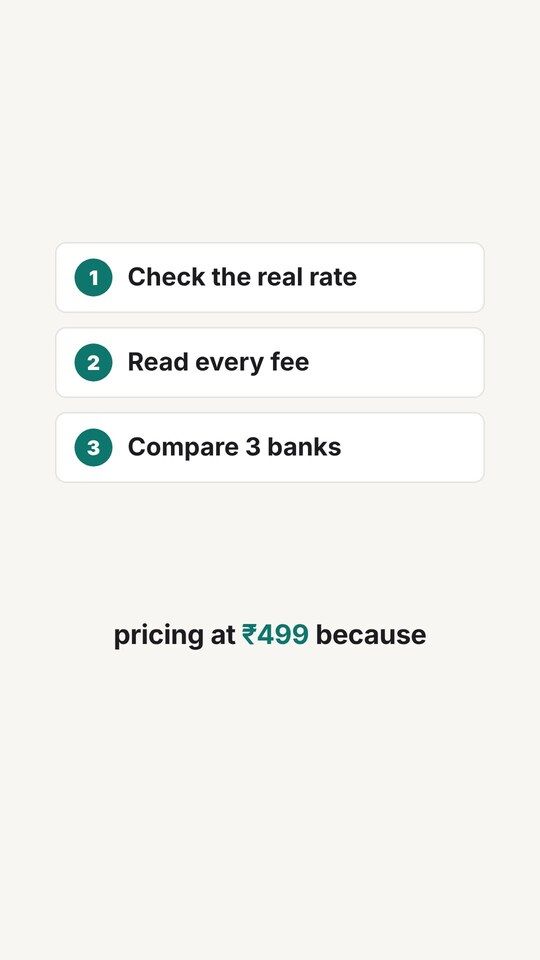
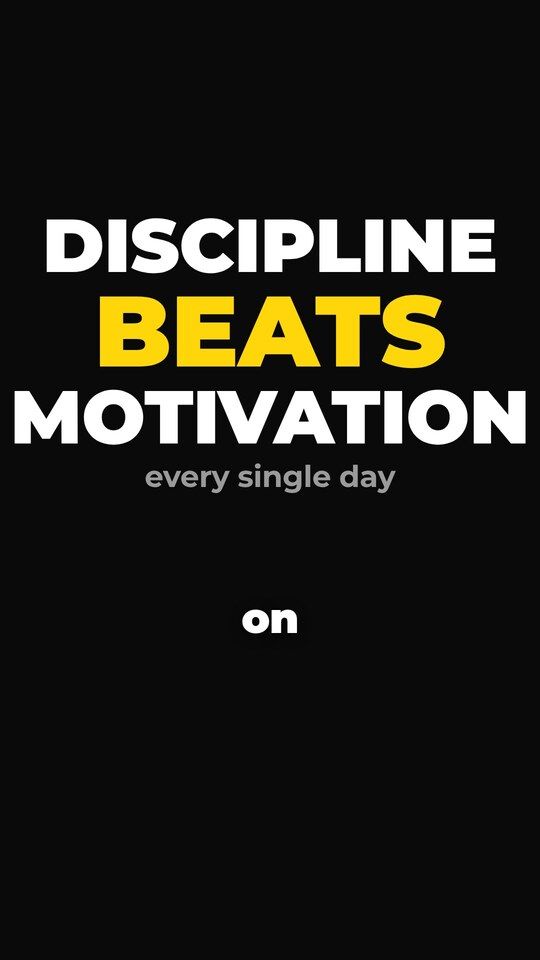
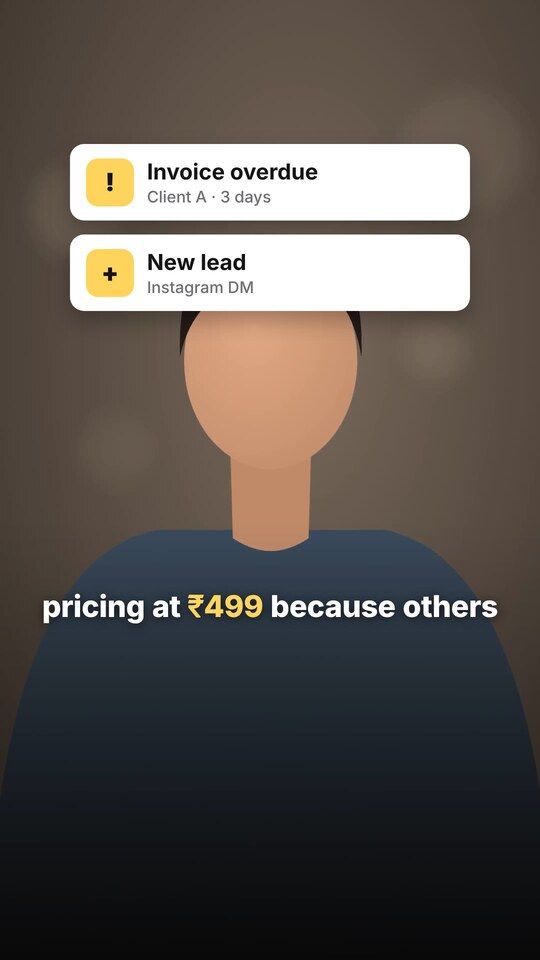
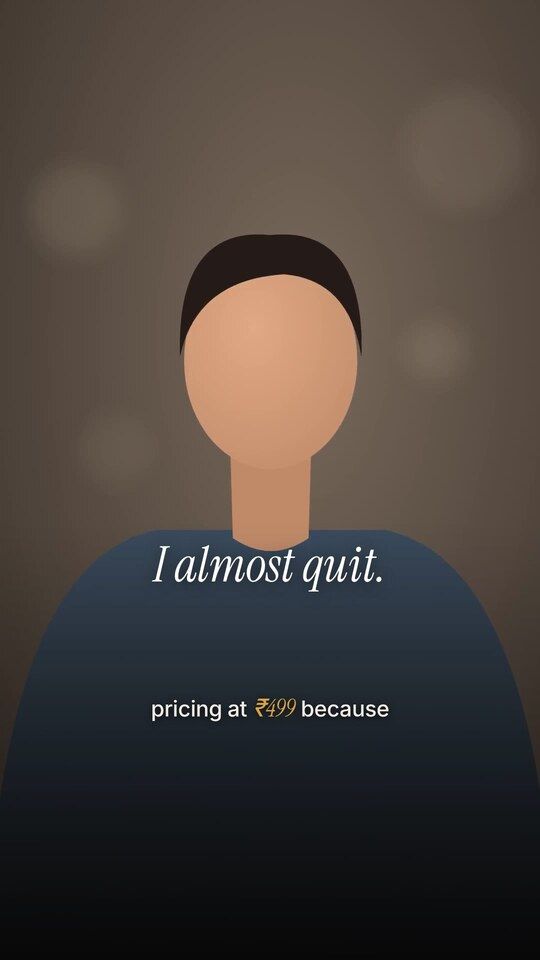
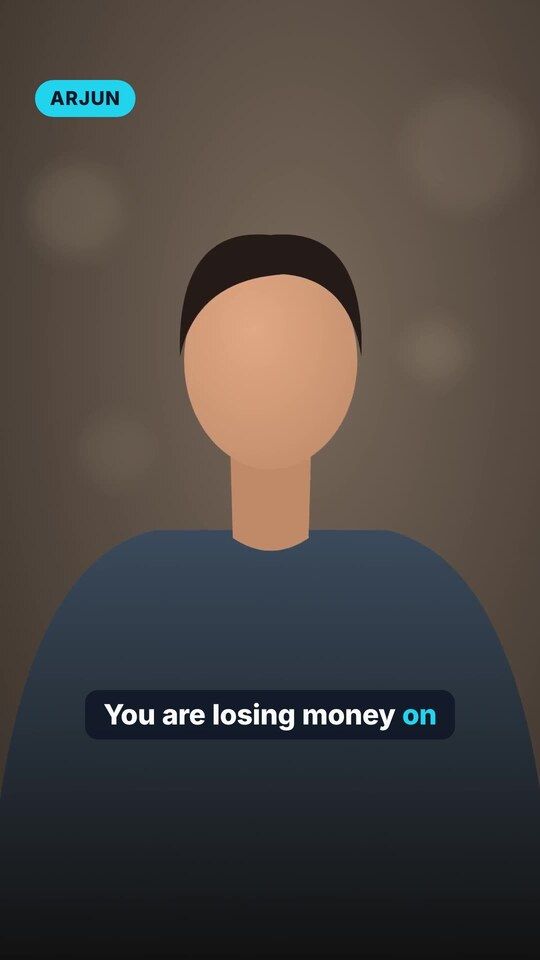
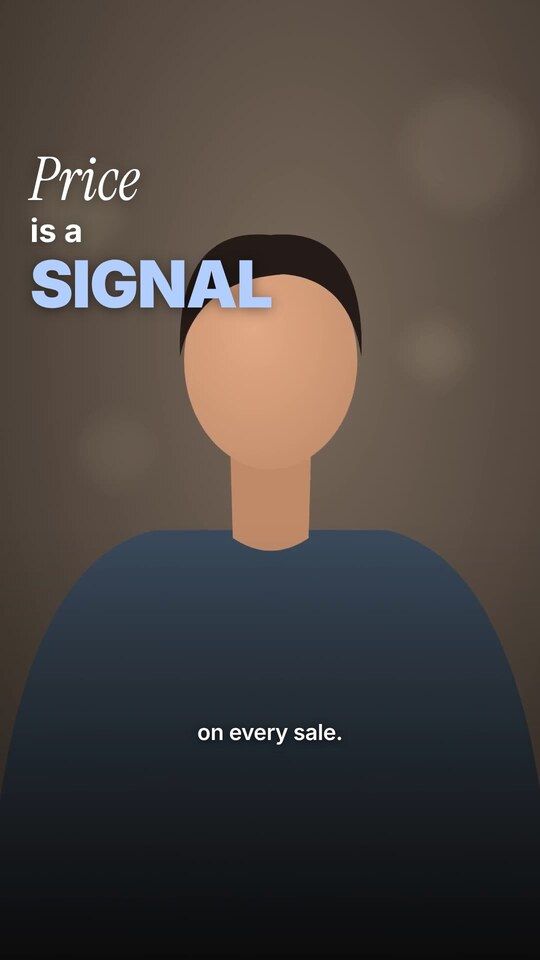
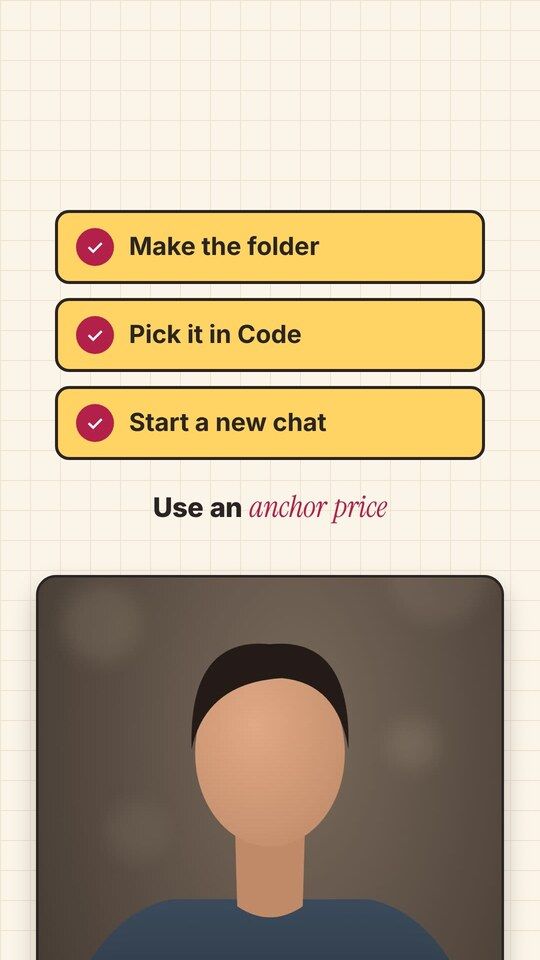
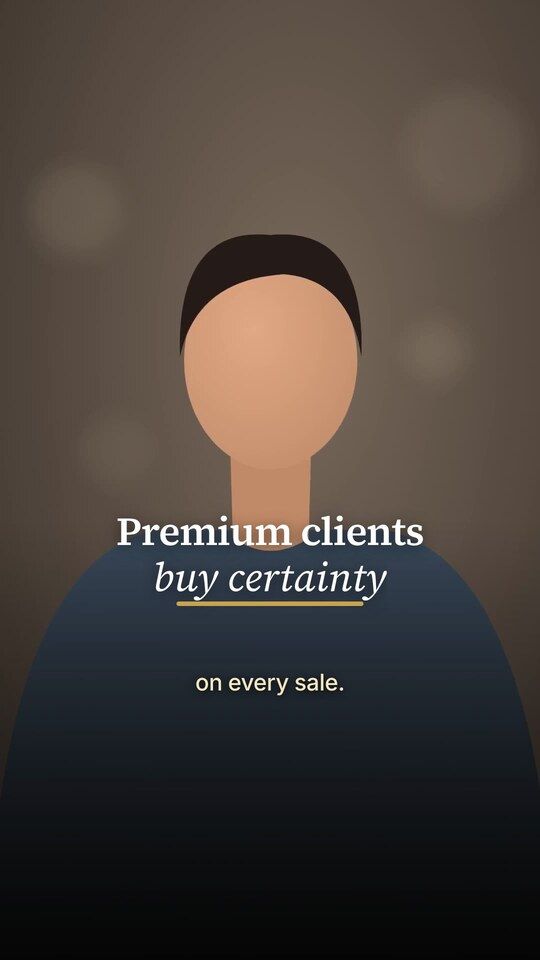
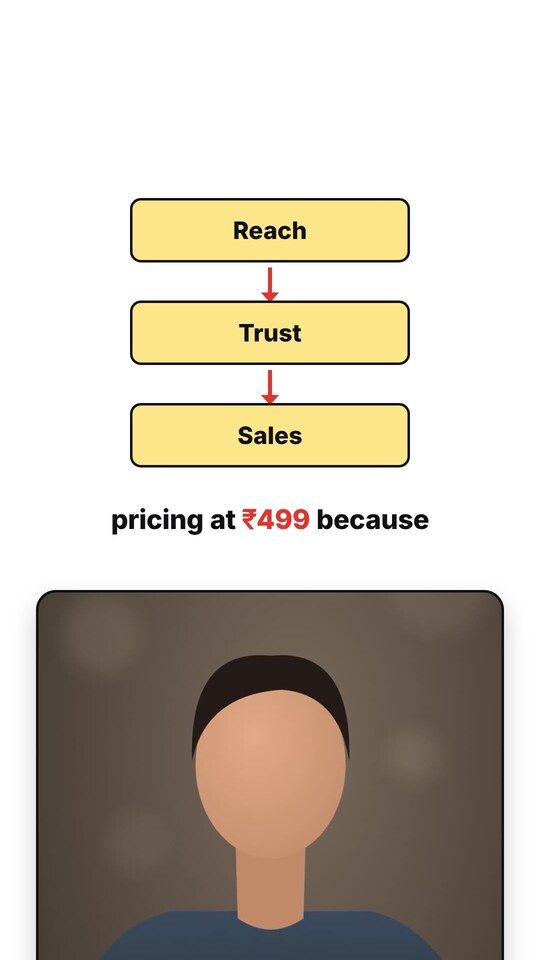
The 12 frames above are real renders from the starter pack, shown with a stand-in presenter. Style names are from the pack's styles.md.
Titles, counters, lists, checklists, phone frames, browser frames, notifications, before-and-after cards, charts, quotes, and more.
One word at a time, phrases, karaoke, karaoke in a box, bold blocks, and no captions.
Clicks, swooshes, typing sounds, chimes, and other sound effects generated by code.
Made by code, so no licences are needed. No background music is included.
Claude checks video size, sound, synchronization, black frames, and safe-zone issues.
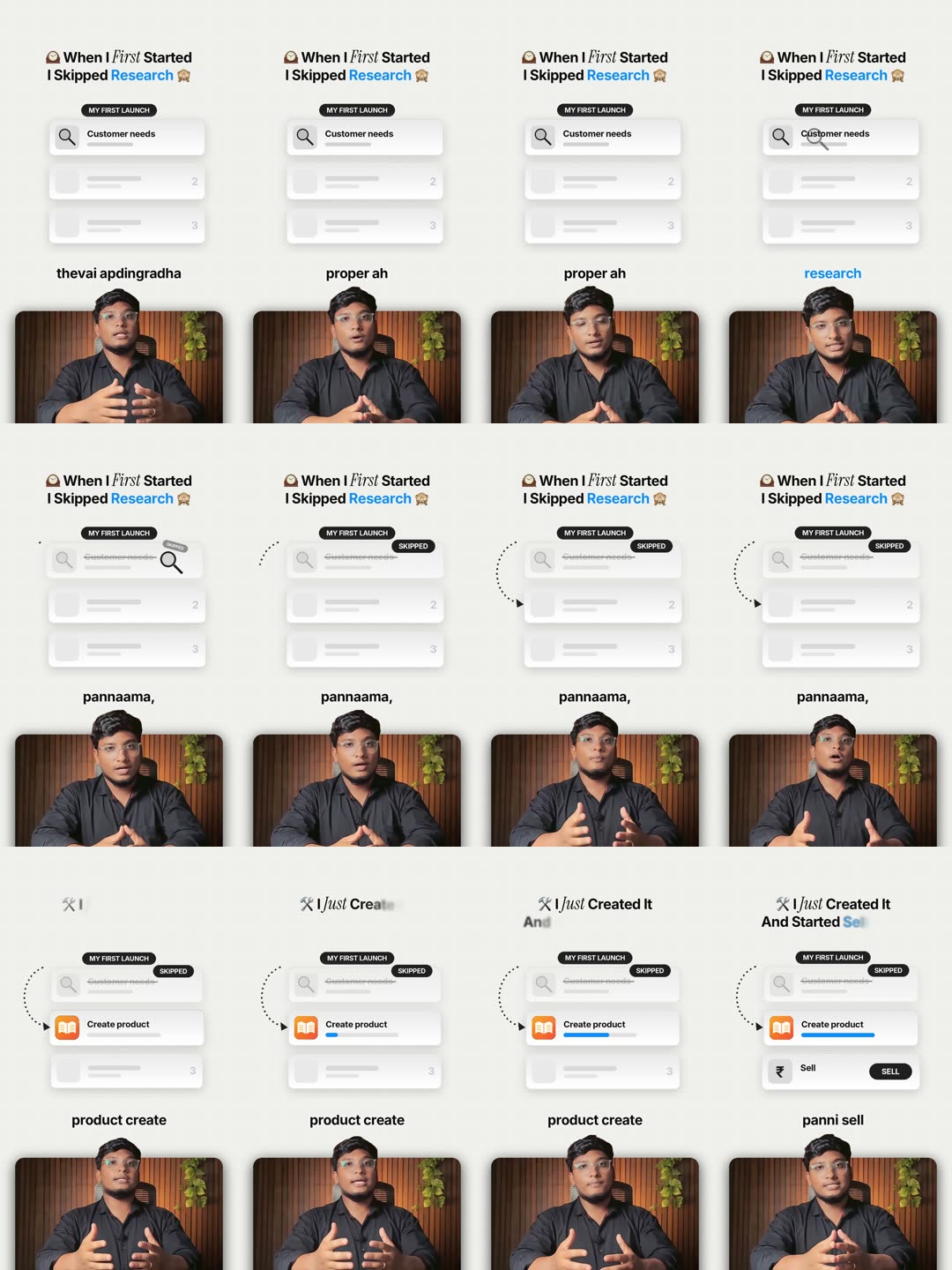
Your editing notes can become saved rules, helping the workflow adapt to your preferences.
Example note and rule.
The same take, before and after. Press play with sound on.
Real footage: the creator's own raw take and the Reel Claude Code made from it, in the creator's custom Blue Explainer look (not one of the 12 included styles). Your results depend on your recording, light and audio.
Claude Code needs a paid Claude plan (Pro or higher). This subscription is separate from the price of this digital product.
Secure Checkout · Instant Delivery · Digital Product
Note: you also need a paid Claude plan (Pro or higher), billed separately. It is not included in this price.
Everything you should know before buying, including what this system does not do.
Contact support: [INSERT SUPPORT EMAIL OR WHATSAPP]
No. The guide explains every step in simple English. Claude handles the editing workflow and code execution. You mainly follow the instructions, review, and approve.
Yes. The guide includes instructions for both operating systems.
Yes. Claude Code requires a paid Claude plan, Pro or higher. This subscription is separate from the product purchase.
No. You can record videos on your phone, but setup and editing require a Windows or Mac computer.
Initial setup takes approximately 45 minutes. You only need to complete this setup once.
After setup, expect approximately 20 to 40 minutes of your own time, mainly for reviewing and approving the edit. Rendering itself can take approximately 2 to 6 minutes depending on your computer.
Yes. The skill can be configured to match how you speak. Captions are intended to follow your original words rather than translate them. Always review the transcript because mixed-language words can sometimes be misheard.
It is designed primarily for talking-head Reels, including educational content, tutorials, explainers, product promotions, and personal brand videos.
Yes. You can place your screenshots, logos, website visuals, and product assets inside the designated folder for use in your videos.
You can choose from 12 editing styles. You can also provide editing notes, which become saved rules and help the workflow adapt to your preferences.
The starter pack generates sound effects through code. It does not include background music. You can add suitable music inside Instagram when posting.
No tool can guarantee views, followers, or virality. This product is designed to simplify your editing workflow and help you create and publish content more consistently.
You will receive two digital files:
Delivery is instant after successful payment.
The PDF includes 15 common troubleshooting problems and their solutions. You can also share errors with Claude to help diagnose them.
Support: [INSERT SUPPORT EMAIL OR WHATSAPP]
Set up your editing system once.
Record your content, approve the edit, and let Claude handle the technical work.
Get your complete beginner guide and ready-made Reel Studio starter pack today.
₹299 - One-Time Payment
GET INSTANT ACCESS NOW Instant Digital Download · Windows & Mac · Beginner-Friendly Guide